
Mirror, not backup
Whatever happens in iCloud happens in Immich.
A backup only ever grows. Photo Mirror Sync treats iCloud Photos as the source of truth and keeps your Immich library in step with it, so the two always show the same photos.
- You take a photo Uploaded to Immich as the untouched original
- You edit it The new version replaces the old one in Immich
- You mark a favorite It becomes a favorite in Immich too
- You delete it It moves to the Immich trash, never deleted for good
- You sort it into an album The same album appears in Immich
Features
Made for people who run their own Immich server.
-
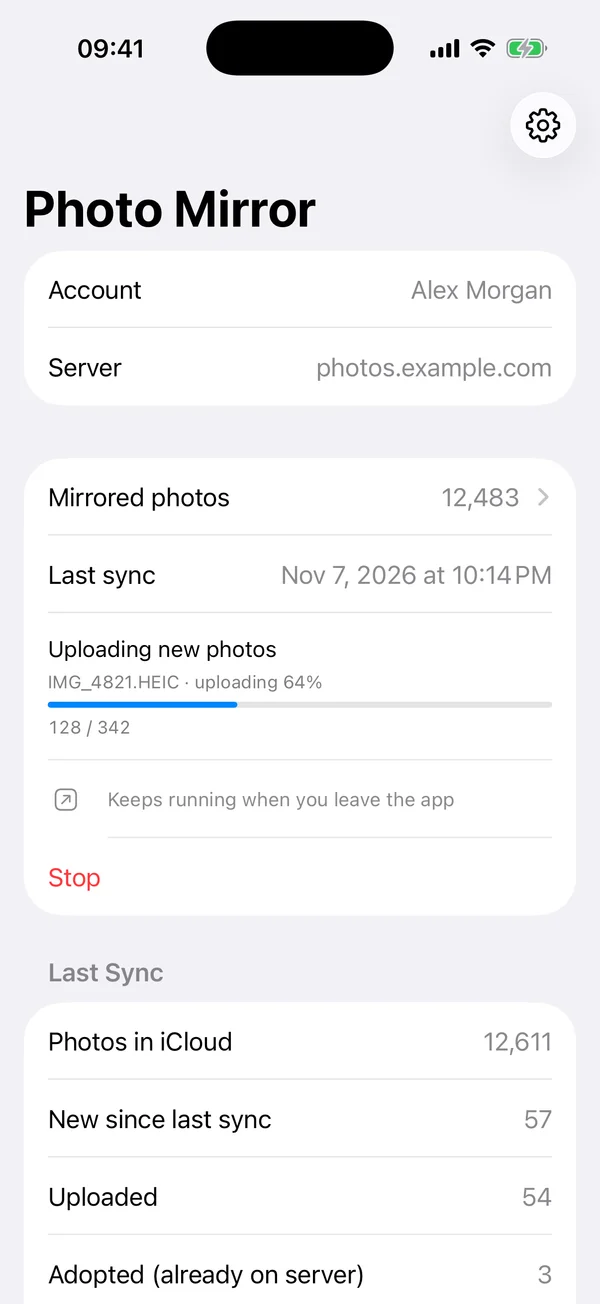
Runs in the background
Start a sync and put your iPhone away.
On iOS 26 a sync keeps running after you leave the app, with progress on the Lock Screen. A nightly sync can run while your iPhone charges, and a notification tells you what changed in Immich.
-
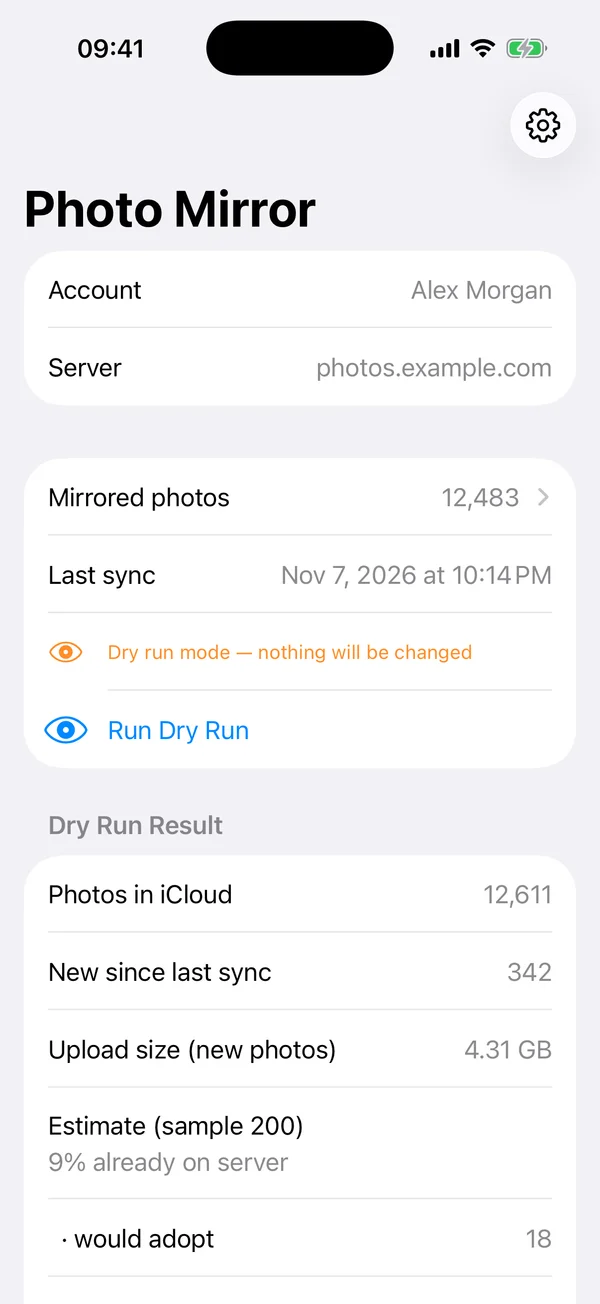
Dry run first
See what would happen before anything does.
Dry run is on by default. It counts new photos, estimates the upload size and checks a sample against your Immich server, so you know how many photos are already there.
-
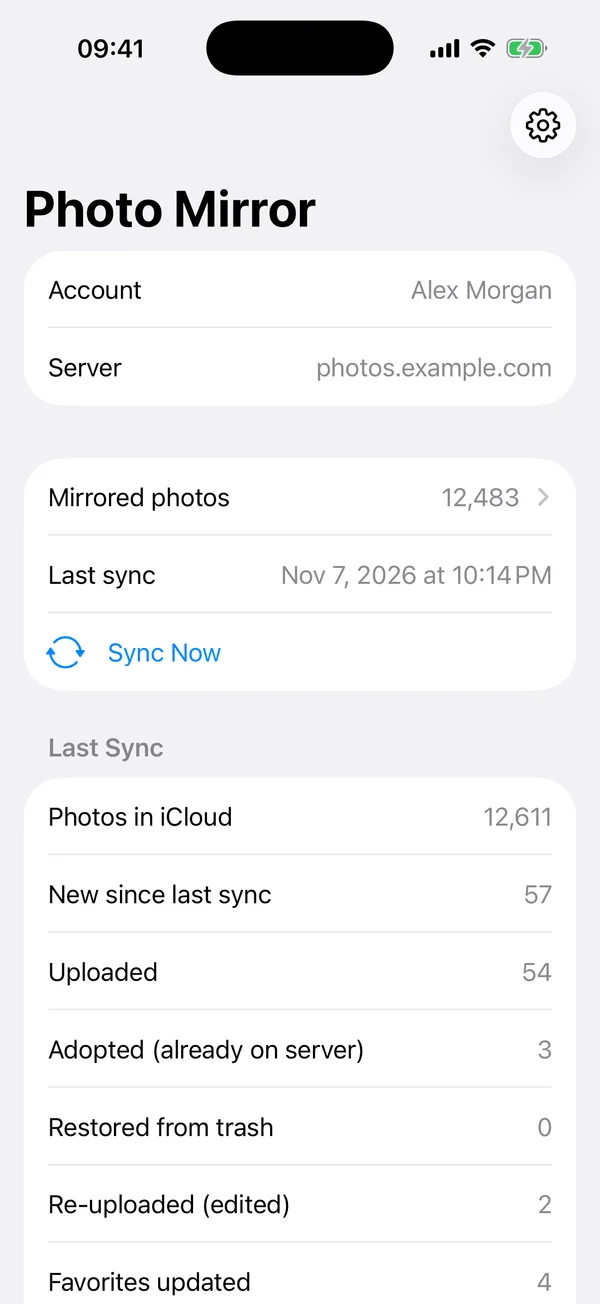
No duplicates
Already in Immich? Linked, not uploaded twice.
Before uploading, every photo’s checksum is checked against your Immich server. Byte-identical copies, say from the official Immich app, are adopted instead of uploaded again. Interrupted runs continue exactly where they stopped.
-
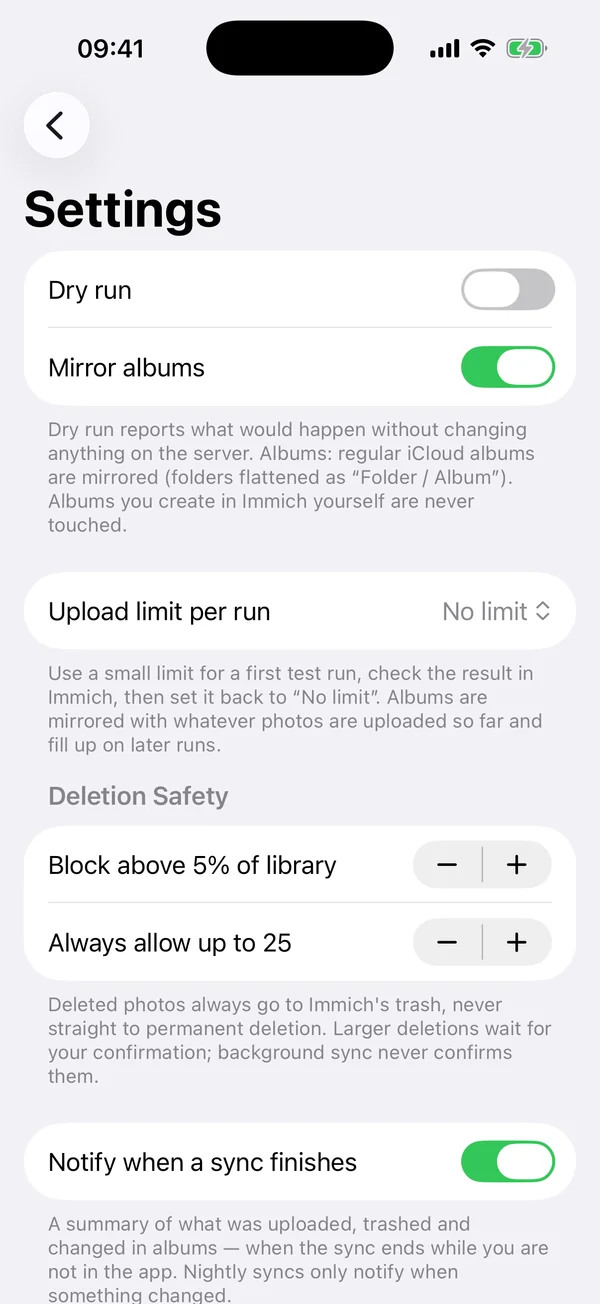
Safe by design
Deletions go to the trash. Large ones wait for you.
Nothing is ever deleted permanently. If more than 5 % of your library would move to the Immich trash at once, the app asks first, and background syncs never confirm on their own.
-
Originals, untouched
HEIC, ProRAW, 4K video and Live Photos with their motion part, linked the way the official Immich app does it.
-
Albums and folders
Regular iCloud albums become Immich albums, created, renamed, filled and emptied to match. Albums in folders are named “Folder / Album”.
-
Hands off the rest
Only what the app mirrored itself is ever changed. Your own Immich albums, other uploads and external libraries stay as they are.
-
Recently mirrored
The last 200 mirrored photos, each a tap away from opening in your Immich web interface.
-
Resumable
Every photo is recorded the moment it is on the server. Stopped, crashed or killed: the next run picks up without duplicates.
-
20 languages
The app follows your iPhone’s language, from English and German to Japanese, Korean, Ukrainian and Turkish.
Privacy
From your iPhone to your Immich server.
Your photos and your Immich sign-in go only to the server you run. No other cloud, no account with us, no analytics, no tracking: the developer collects no data at all.
Read the privacy policyWhat you need
Three things, and you’re set.
-
An iPhone
iOS 17 or later. Syncs continue in the background on iOS 26.
-
Your Immich server
A self-hosted Immich server, version 3.3 or later, and your account on it.
-
Full photo access
With limited access, unselected photos would look deleted, so the app asks for all of them.
Mirror iCloud Photos to your own Immich server.
Deletions and albums stay in sync.